

All the recent talk about Artisan's Android automation quest and experimentation kind of sparked me to remember a little project I worked on about 15 years ago; a jukebox - or rather, editing code and creating skins of an existing free jukebox software called DWJukebox, which is ceased about 5 years ago but is still available. You don't install it, you just put the folder somewhere and run it from the bat file, or you can have it load up automatically at boot, it fills the screen, not it's own a window.
Before I present my own creation let's take a look back via the Internet Archive to better explain what I'm talking about....
DWJukebox
An MP3 and OGG Jukebox Simulator for DOS and Windows
http://dwjukebox.co m"> https://web.archive.org/web/20190115043815/http://dwjukebox.com
DWJukebox (originally DOSCab and WinCab Jukebox) is an MP3 and OGG Vorbis player designed to simulate the operation of a mechanical jukebox. Although it can be used simply on a DOS or Windows PC, it is meant to be used on a PC built into a cabinet, ... .. It is designed to operate as a true jukebox, and not a media player, simulating either a classic singles-style jukebox or a more modern album-based CD jukebox. ...
... it had to support DOS, because that’s what my cabinet was based on at the time. .., so I created my own. .. thus DOSCab Jukebox was born. It wasn’t long before the cabinet was converted to use Windows, .. combining the two names resulted in DWJukebox. ..
Can be configured to accept coins from up to four slots, with the number of selections per credit adjustable individually for each slot
Supports an optional Radio and Play Stimulator mode, where a random song is played whenever the queue is empty
Buttons available for Random Song, Show Popular Selections, Play Most Popular Song, Radio Mode, Play Stimulator Mode, Pause, Mute, Volume, Skip Song, Clear Last Entry, Clear Queue, and more
Unwanted jukebox features can be disabled by simply not mapping a control to that feature ...
.... touchscreens (touchscreens supported on DOS or Windows XP only)..
Supports both DOS and Windows
Free for non-commercial use.
____________________
There's pages of all kinds of different preconfigured skins created by others which are still downloadable here:
http://dwjukebox.com/category/skin s"> https://web.archive.org/web/20190115043815/http://dwjukebox.com/category/skins
A few examples:
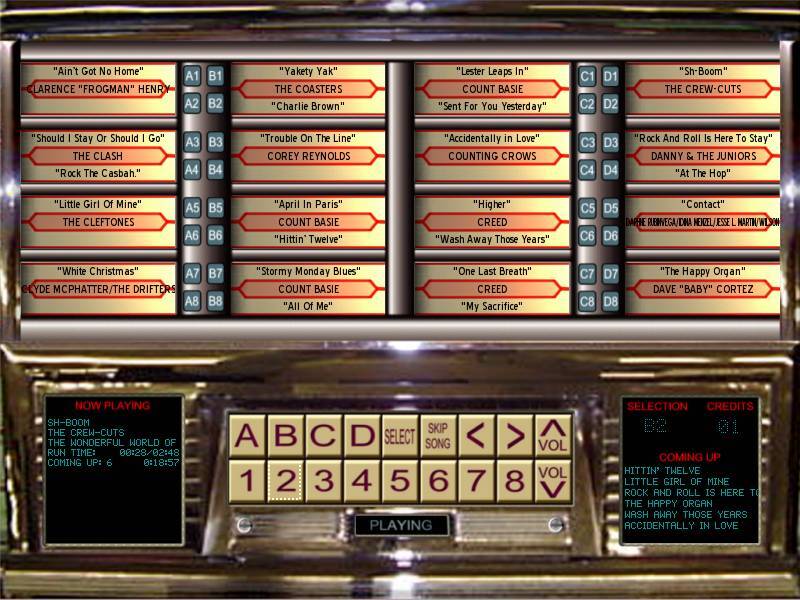
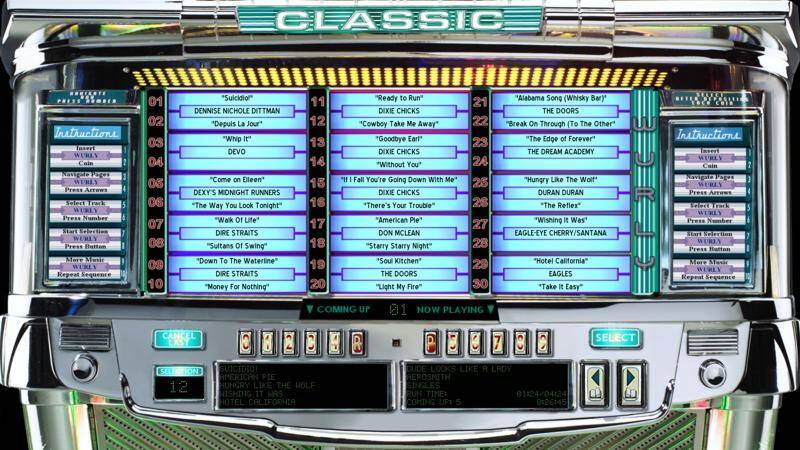
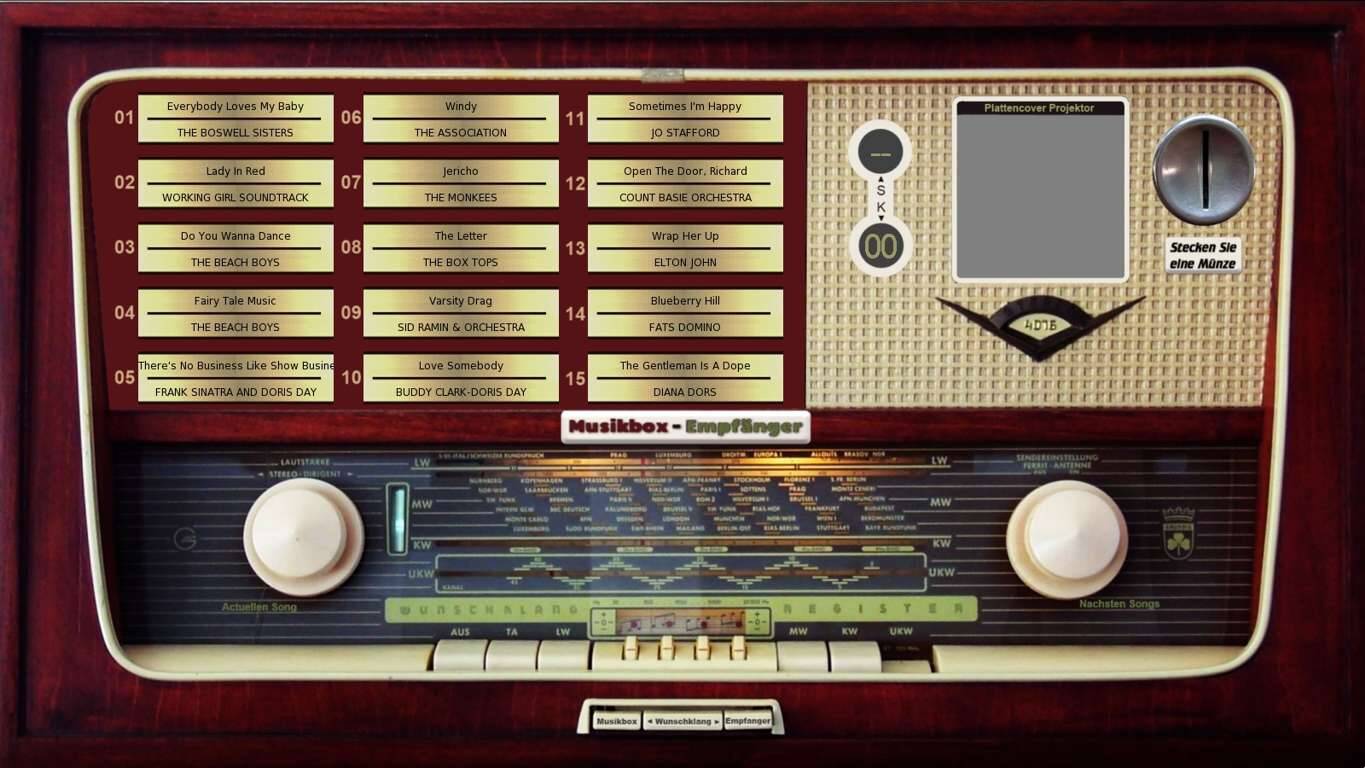
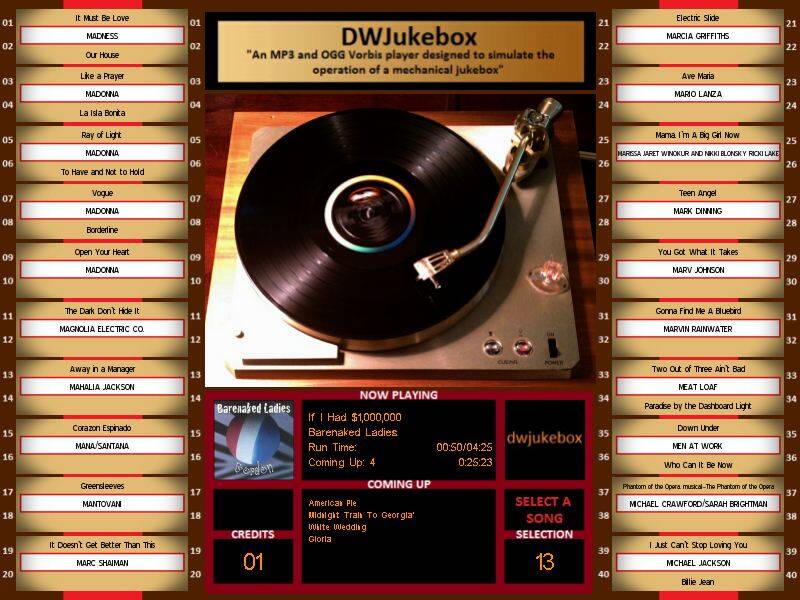
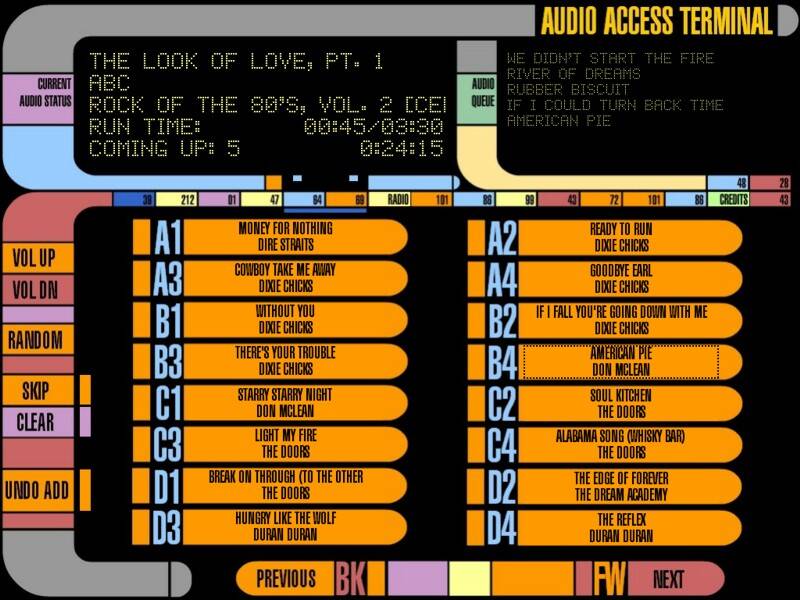
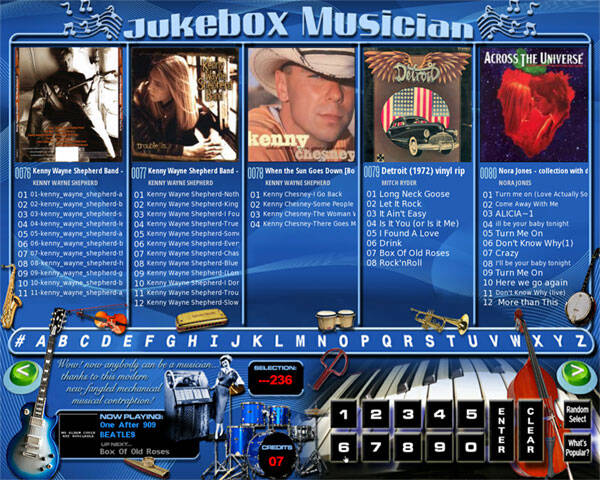
Anyway, I decided I wanted to design one myself that utilized every single capability possible and created what I called a "multi-skin skin" in December 2013, I called it "Jukebox Musician" and then instantly got several praising post, one of them saying "Your skin shows better than any I've seen just what DWJukebox can do!"
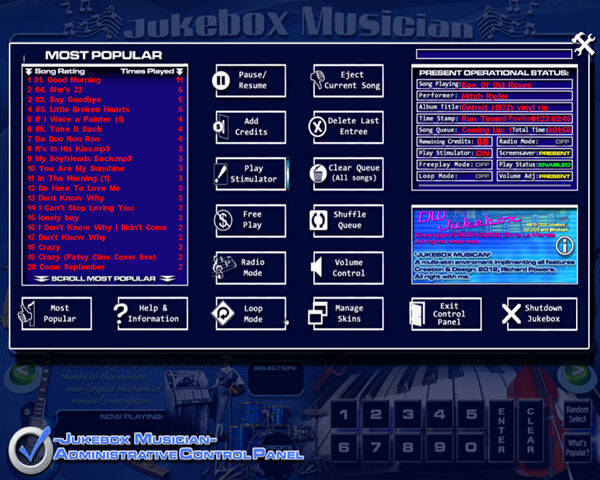
It actually consist of several windows; Main window side scrolls to view all albums and select songs, another mock-password protected settings screen.. and alterations of, as well and my jukebox talks to you in the settings screen (which you can easily and probably will want to disable because it gets annoying). Looks like this..
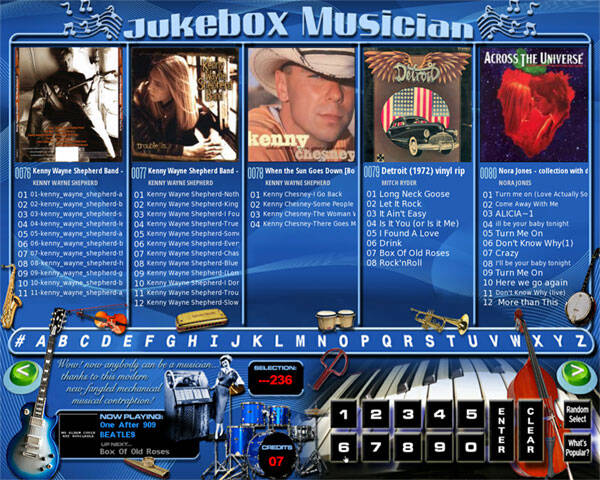
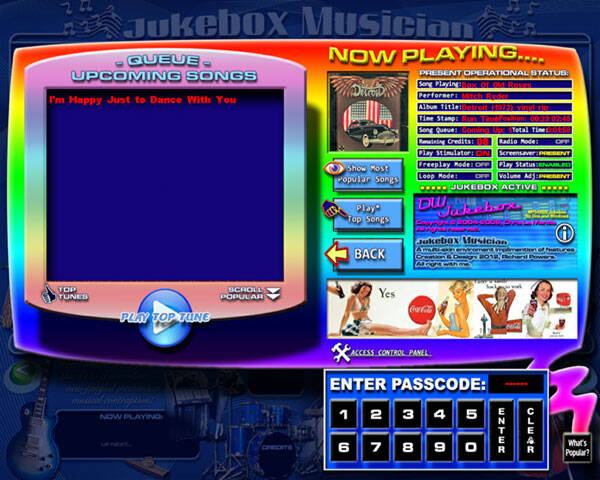
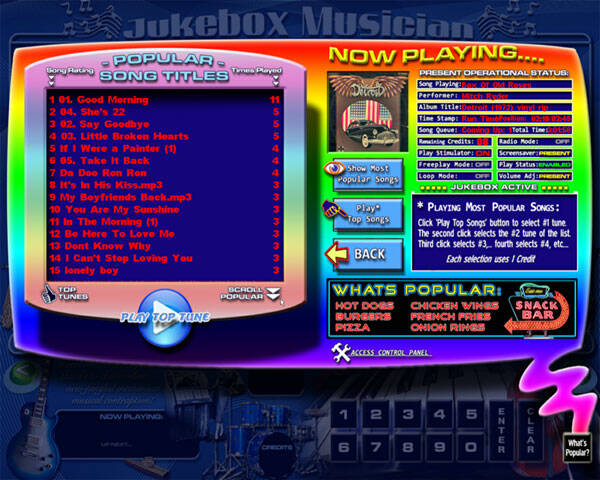
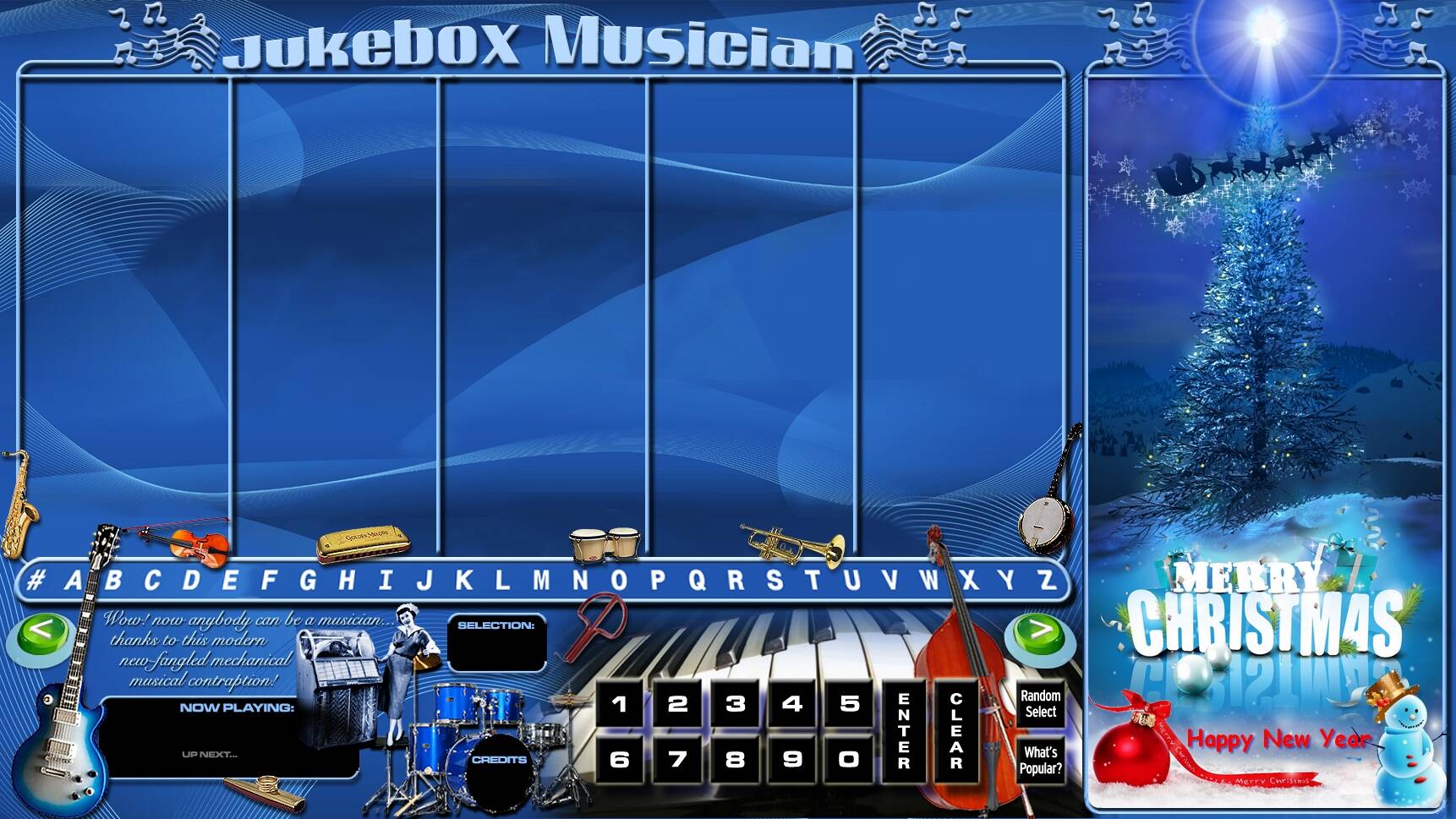
At the time I had several touchscreen monitors which had originated from either ATMs or Kosk machines, they weren't widescreen so that's the aspect ratio I initially designed my for, but others told me they wished I had a widescreen version.. Wanting to accommodate them, I at first though I was going to have to redesign and remap everything, but then realized as long as I kept everything to the left side of the screen, all I had to do was post an image to the right to fill the screen, so I created a little Christmas themed 16.9 ratio which most PCs have now, which makes it lay out like this:
Anyway, if your interested, just download DWjukebox and drop my skin folder or whatever skin(s) you choose in the jukebox folder and it's ready to go. If the song titles don't fit correctly then you may have to change the display font (in the settings text of DWJkebox) because the text might display different in different monitors, but other than that it works great.
As for what became of it, the DWJukebox Facebook page hadn't been updated since early 2022 so he apparently either abandoned it or died. From Facebook:
Jan 5 2022
As I am sure you are aware, the DWJukebox domain expired so there is no longer a link to download the software. I have put up the last official release into a Google Drive folder along with some skins; you can access the folder at https://drive.google.com/drive/folders/1nyqfqxO0YHCARCM9w3NS1reSKFrs4-k-?usp=sharing .
This program was last updated over 10 years ago and the docs never completed, and I am not in a position to be doing tech support (I've been dealing with heart failure and lost my photography business due to COVID so I am working every available minute to keep a roof over my head). There is no nice convenient setup program; it uses old fashioned configuration files to get running. (This is why I don't work in marketing.) But if you need the files, here they are.
Jan 15 2022
Any attempt to revive the DWJukebox code and push it forward is going to have to involve updating libraries... that's good in the sense that it will open up platforms like Raspberry Pi, but it will end up leaving DOS behind. Of course, DOS users would still be able to use the current 3.4.1 version of DWJukebox.
Jan 16 2022
So my investigation on restarting the DWJukebox project has already hit a major snag.
DWJukebox uses a number of libraries to do its job but the primary one is called Allegro. ... ..Unfortunately, the Allegro library really isn't an update so much as a completely new and different library with the same name. Most notably, they have dropped their entire user interface module, which is what the skins run on. Without that there are no skins; without skins there is no point to DWJukebox. ... .. So I am no longer looking at an update. I have to rewrite basically 90% of the DWJukebox code at this point. ...